Your look. Your voice.
Your colours, fonts and tone of voice, from the cover to the last slide.
Built from your websiteThe AI carousel maker that starts with your website. Turn what you know into slides with a hook on the cover, one idea per slide and a look that stays yours.
 yourbrandYour carousels, with a creative sidekick ✦

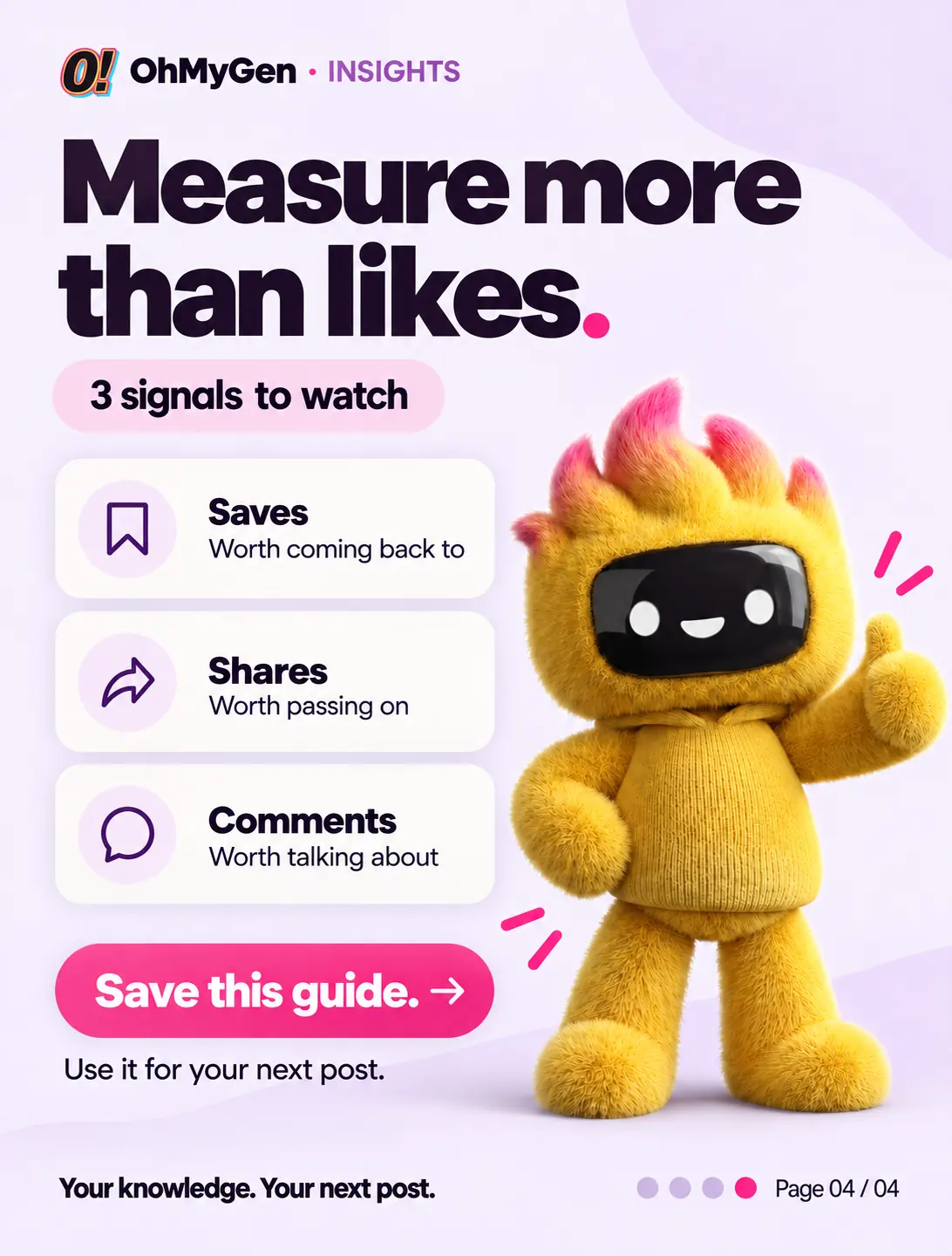

A quick look at how OhMyGen learns your brand and turns it into carousels and posts for Instagram, LinkedIn and Facebook.
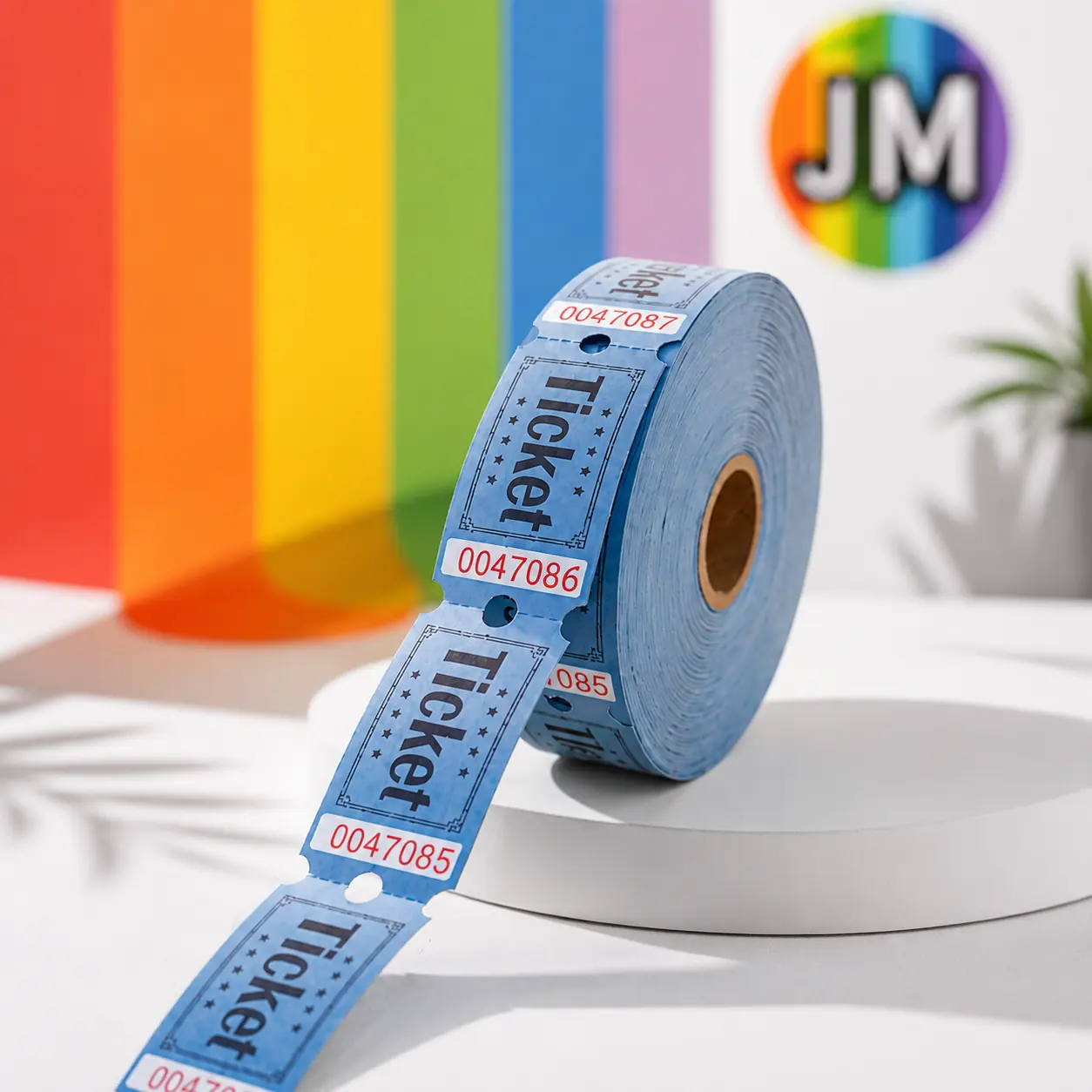
“We now post at least daily across 20+ markets.”
“We use OhMyGen for our Meta ads and our social posts. It saves us thousands of dollars we used to spend on freelancers and photographers.”
Pick a platform. See what Flame can make from your know-how.
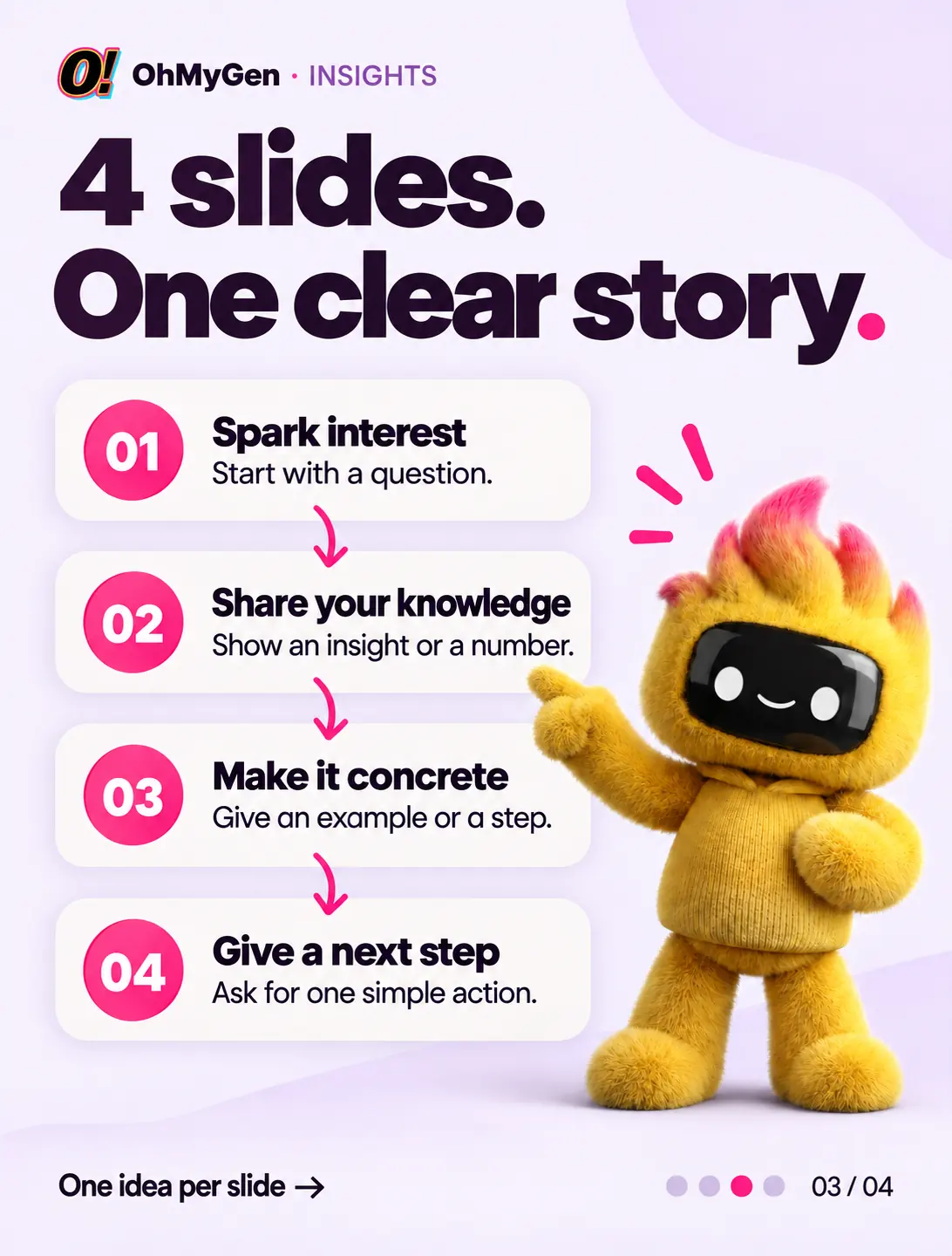
A cover that makes people stop, slides that keep them swiping and a last slide that tells them what to do next. The same look from first to last.
Four slides. One clear story. Save this for your next post.
Swipe to discover →Share what your business knows in a format people read slide by slide. Checklists, frameworks and lessons learned, in a professional voice that still sounds like you.
Most projects don’t fail at the finish line. They fail at the handover. Here’s the checklist.
Read the slides →Turn one idea into a sequence of images for your Facebook page. Walk through a collection, share a how-to or show a product from every angle.
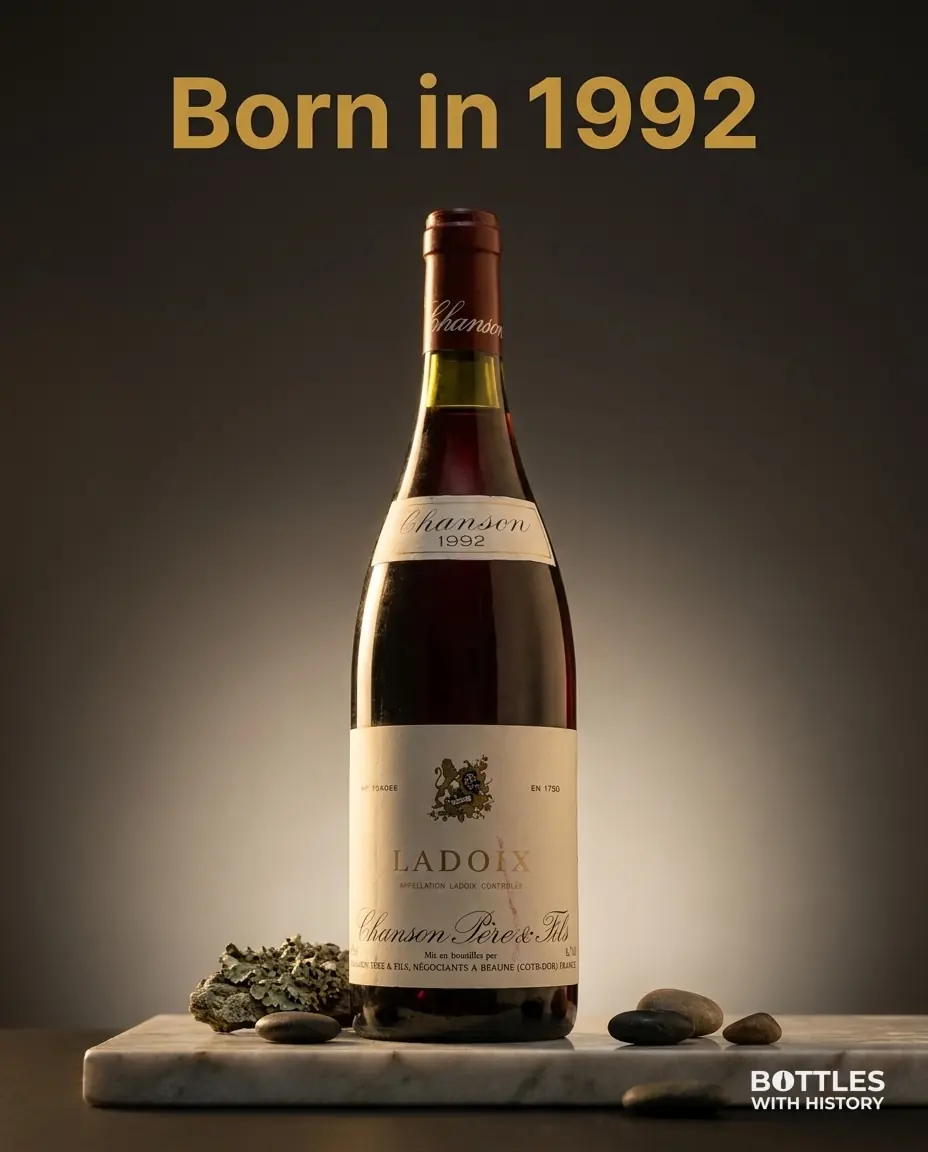
Four bottles. Four birth years. Which one would you open first?
See all four →yourbrandInstagram carousel1 / 4
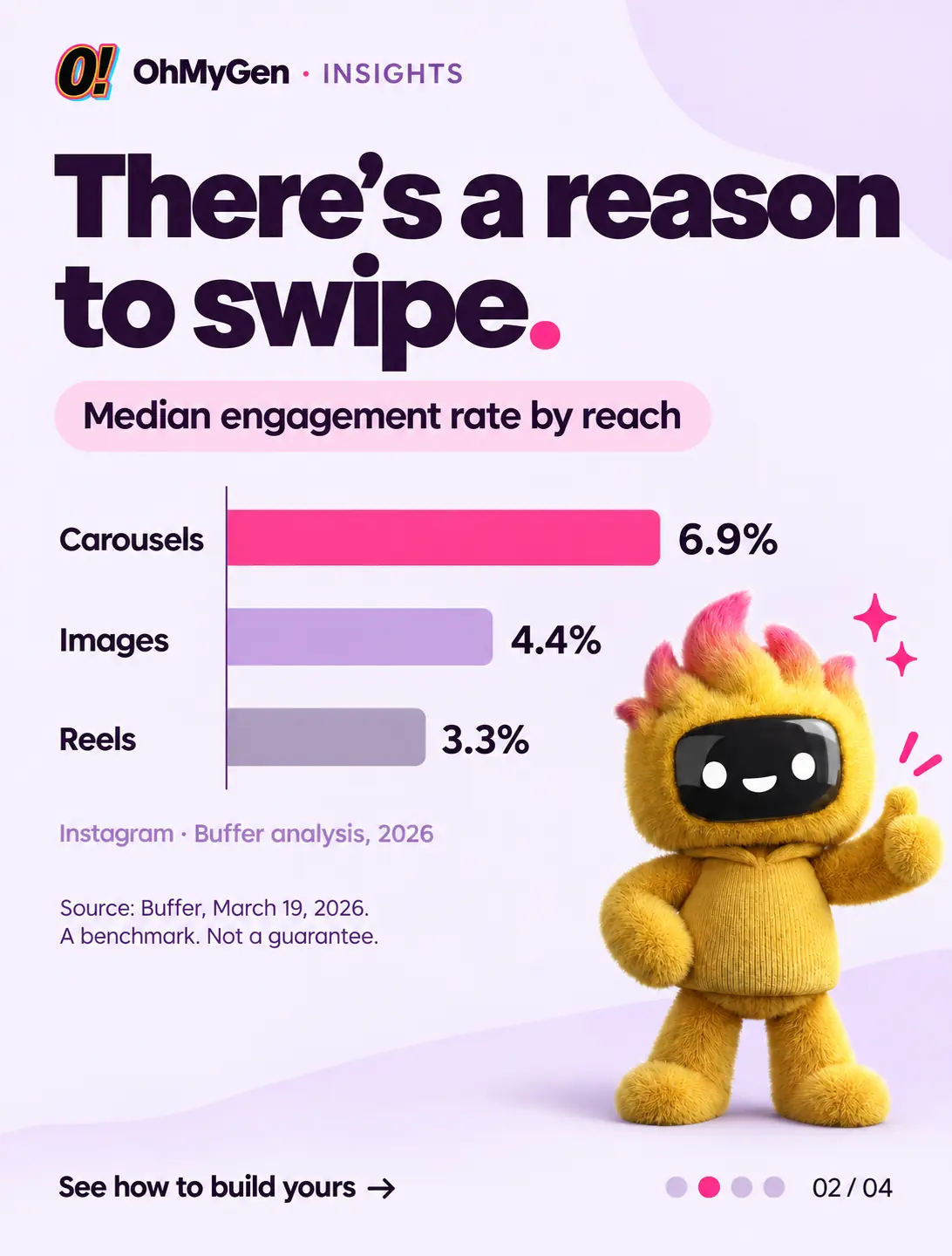 Your companyLinkedIn document. 4 slides
Most projects don’t fail at the finish line. They fail at the handover. Here’s the checklist we use, slide by slide.
Your brandFacebook carousel. Just now
Four bottles. Four birth years. Which one would you open first?
Illustrative examples. Your content starts from your brand
Generic templates give you generic slides. OhMyGen starts with your website, your products and your know-how, so every carousel still feels like you.

“One idea. One slide at a time.
That’s how people keep swiping.”
Your colours, fonts and tone of voice, from the cover to the last slide.
Built from your websiteWrite captions in up to 24 languages. Multilingual posts are available on Max.
Captions + calls to actionSwipe through ideas, keep the ones you love and see them find a place in your calendar.
You approve every slideA carousel post generator is only as good as what it knows about your business. Here’s what OhMyGen builds into every carousel, and why it matters.
Each slide should say one thing. If a slide needs a second paragraph, it probably wants to be two slides, or it can be cut.
More about carousels ↗The first slide decides whether anyone swipes. Promise something useful or surprising, and keep it short enough to read at a glance.
Carousels and more for Instagram ↗The same colours, fonts and layout on every slide make the carousel feel like one story, and make it recognisably yours.
Carousels and more for LinkedIn ↗End with a call to action: save, share, visit or get in touch. Tell people what to do now that they’ve read to the end.
See a carousel example ↑Posting on Facebook too? See the AI post generator for Facebook ↗
Examples from the OhMyGen gallery. Different brands. Same creative sidekick.

Flame picks up your products, colours, story and tone of voice.
A how-to, a checklist or a product walkthrough. Choose the platform and the message you want to share.
Review every slide and the caption, refine the details and plan it into your week.
Your first 3 posts are free, no credit card needed. Prices in USD, excl. VAT.
$89 / month
or $71 / month billed yearly
Up to 50 finished posts a month. 1 brand
$219 / month
or $175 / month billed yearly
Up to 250 finished posts a month. 3 brands. More languages
$499 / month
or $399 / month billed yearly
10 client workspaces. One brand in each
It’s a tool that turns one idea into a sequence of slides: the cover, the slides in between, the last slide and the caption. OhMyGen starts from your website, so your carousels use your products, colours and tone of voice.
Use enough to make the point clearly. A short idea may need only a few slides. Cut repetition rather than adding slides to meet a target.
You can start from the same idea on both. A 4:5 portrait size suits the Instagram feed and also works well on LinkedIn, where you can adapt the wording to a more professional audience.
You make the final call. Review the imagery, wording, product information and any offers on every slide before publishing.
Direct publishing depends on the channels and permissions available in your connected account. You can always review and plan your content first.
Your first 3 posts are free, and no credit card is needed.
3 free posts. No credit card needed.